
Holz Labyrinth gesteuert mit einem Nunchuck
Ziel des Spiels
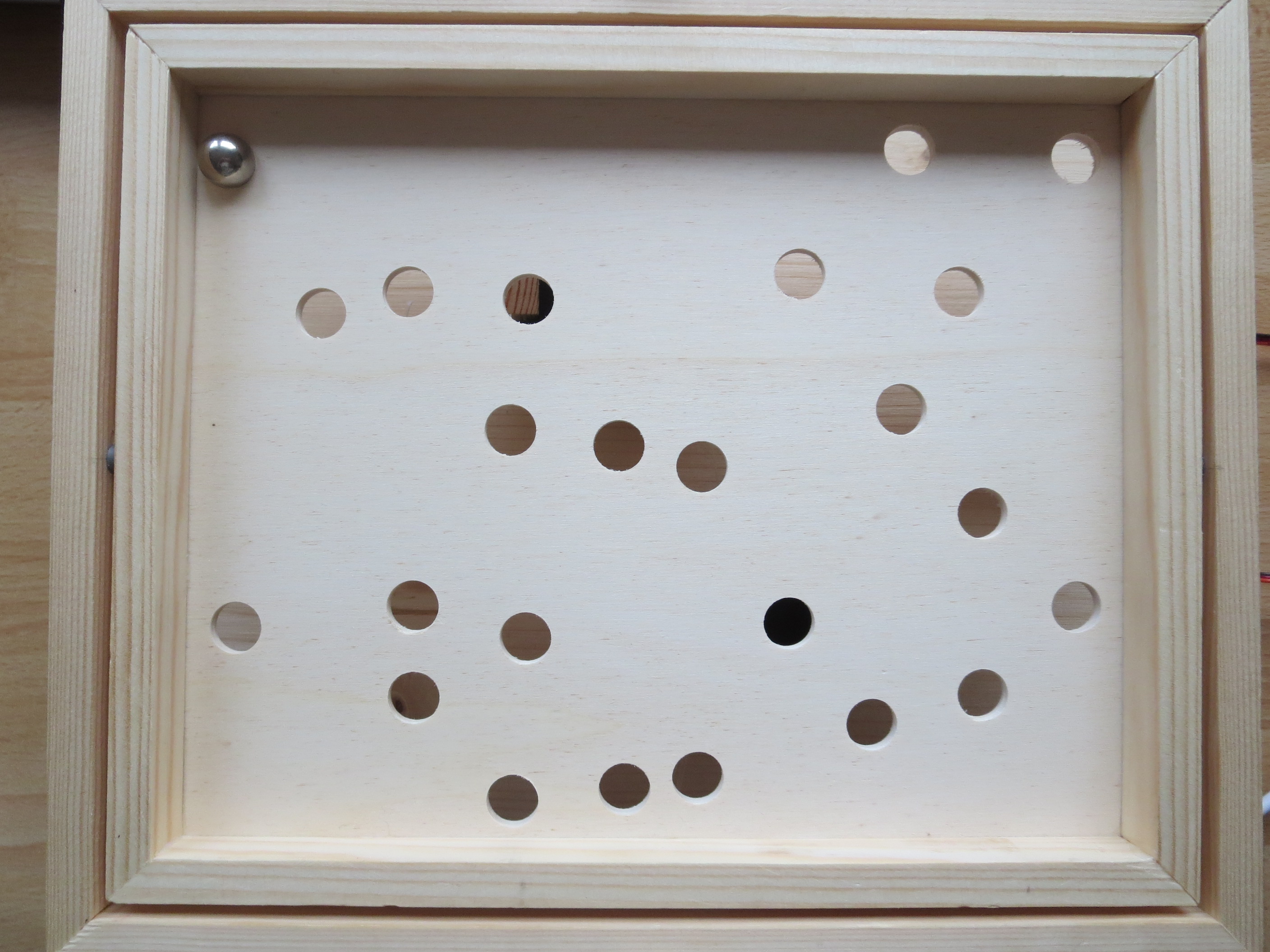
Das Labyrinth ist ein klassisches Kombinationsspiel für eine Person mit dem Ziel, die Murmel mit Geschick durch das Bewegen der Spielfläche sicher durch das Labyrinth zu führen. Die Murmel darf auf Ihrem Weg zum Ziel nicht in die Löcher fallen.
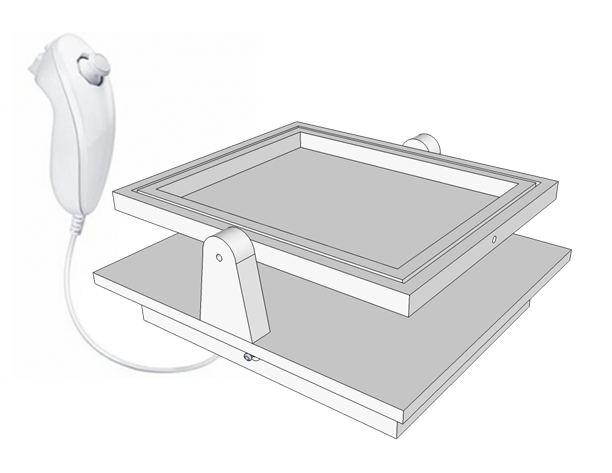
Schaltplan

Bauteile
| Bauteil | Menge | Einzelpreis [€] | Summe [€] |
|---|---|---|---|
| Modellbauleiste rechteck Kiefer 1000x10x15 | 2 | 1,39 | 2,78 |
| Modellbauleiste rechteck Kiefer 1000x5x10 | 1 | 0,99 | 0,99 |
| Bastelsperrholz Pappel DIN A4 210x297x4 | 2 | 0,41 | 0,82 |
| Sprühlack Zink-Alu | 1 | 5,99 | 5,99 |
| Sprühlack schwarz | 1 | 5,99 | 5,99 |
| Wii nunchuck weiß | 1 | 5,59 | 5,59 |
| Kippschalter Ein/Ein | 1 | 0,96 | 0,96 |
| Halter für 6 Mignonzellen (AA), Druckknopf | 1 | 0,45 | 0,45 |
| Widerstand 10KΩ | 1 | 0,03 | 0,03 |
| Kondensator 100uF | 3 | 0,04 | 0,12 |
| Kondensator 10uF | 1 | 0,04 | 0,04 |
| Kondensator 100nF | 1 | 0,04 | 0,04 |
| Kondensator 22pF | 2 | 0,06 | 0,12 |
| Batterieclip für 9-Volt-Block, vertikal | 1 | 0,22 | 0,22 |
| Spannungsregler 7805 | 1 | 0,35 | 0,35 |
| IC-Sockel, 28-polig | 1 | 0,43 | 0,43 |
| Streifenrasterplatine 50x100mm | 1 | 0,58 | 0,58 |
| Standardquarz 16 MHz | 1 | 0,16 | 0,16 |
| Atmel ATmega328 | 1 | 4,00 | 4,00 |
| Widerstand 330KΩ | 1 | 0,03 | 0,03 |
| Widerstand 560KΩ | 1 | 0,03 | 0,03 |
| Kondensator 1000uF | 2 | 0,29 | 0,58 |
| Hohlstecker-Buchse Øi= 2,1mm | 1 | 0,23 | 0,23 |
| Batterien LR6 AA 1.5V | 6 | 0,15 | 0,90 |
| Modelcraft Standard-Servo RS 2 | 2 | 5,95 | 11,90 |
| 43,58 |
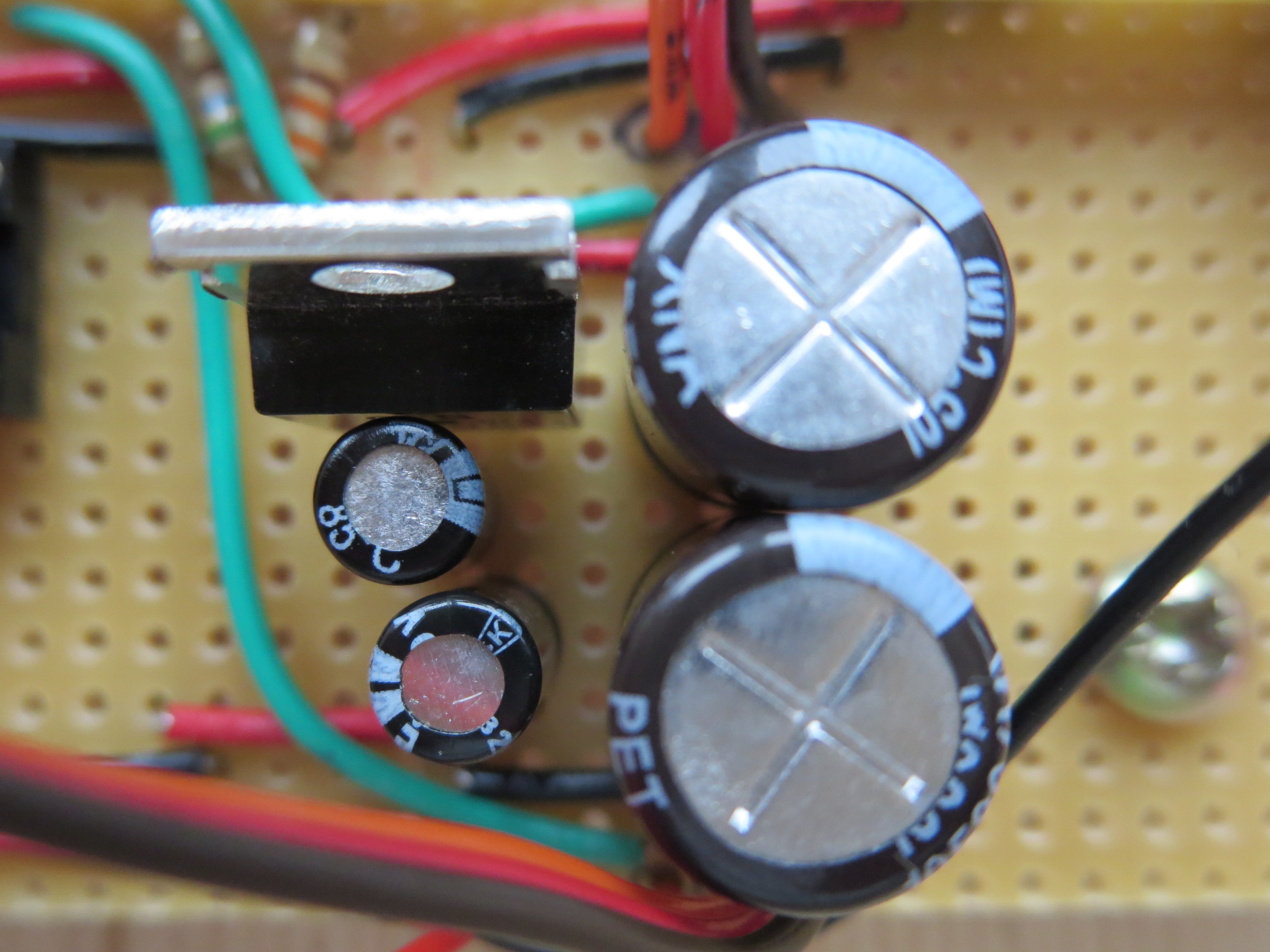
Platine


Bilder
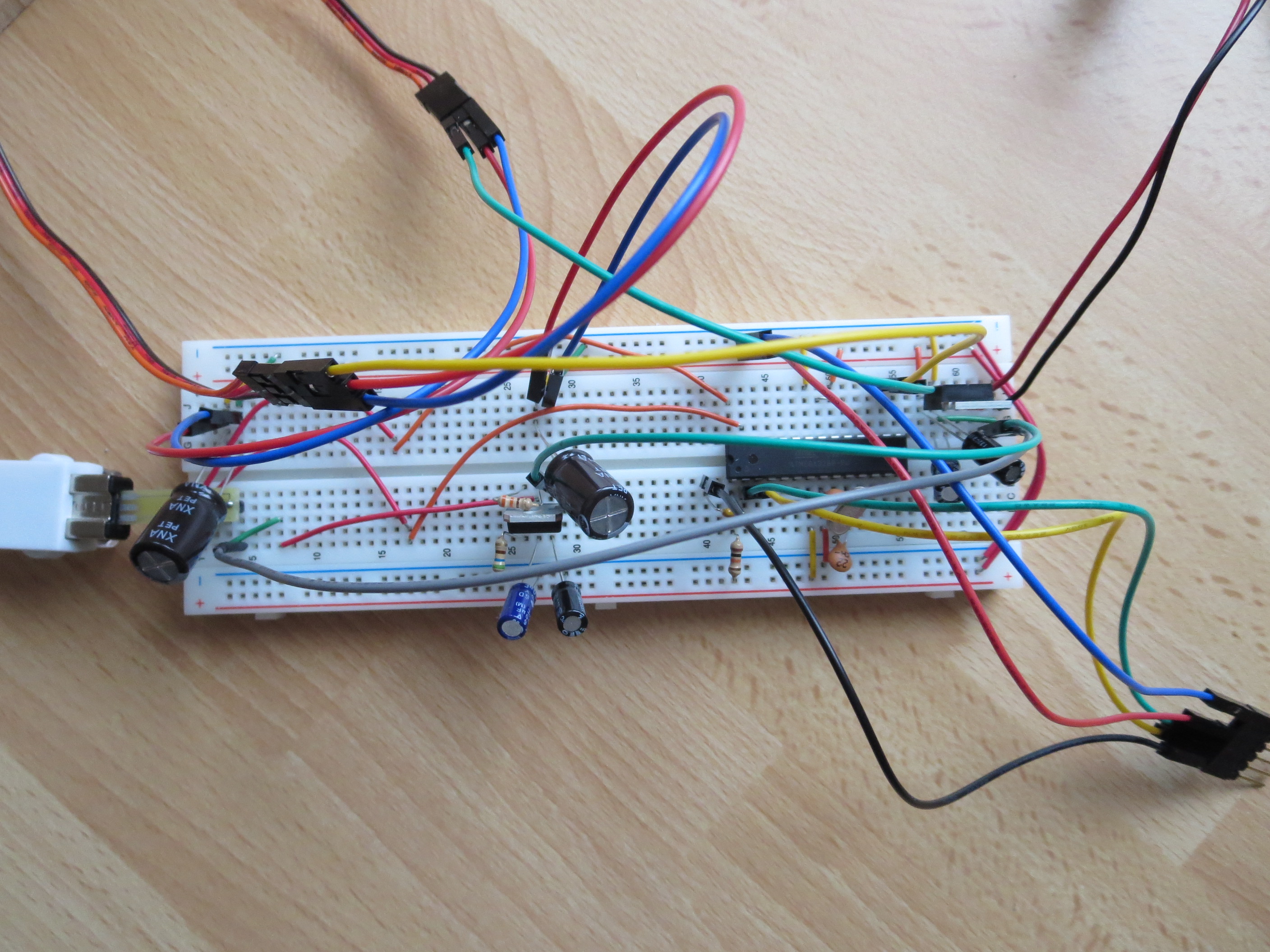


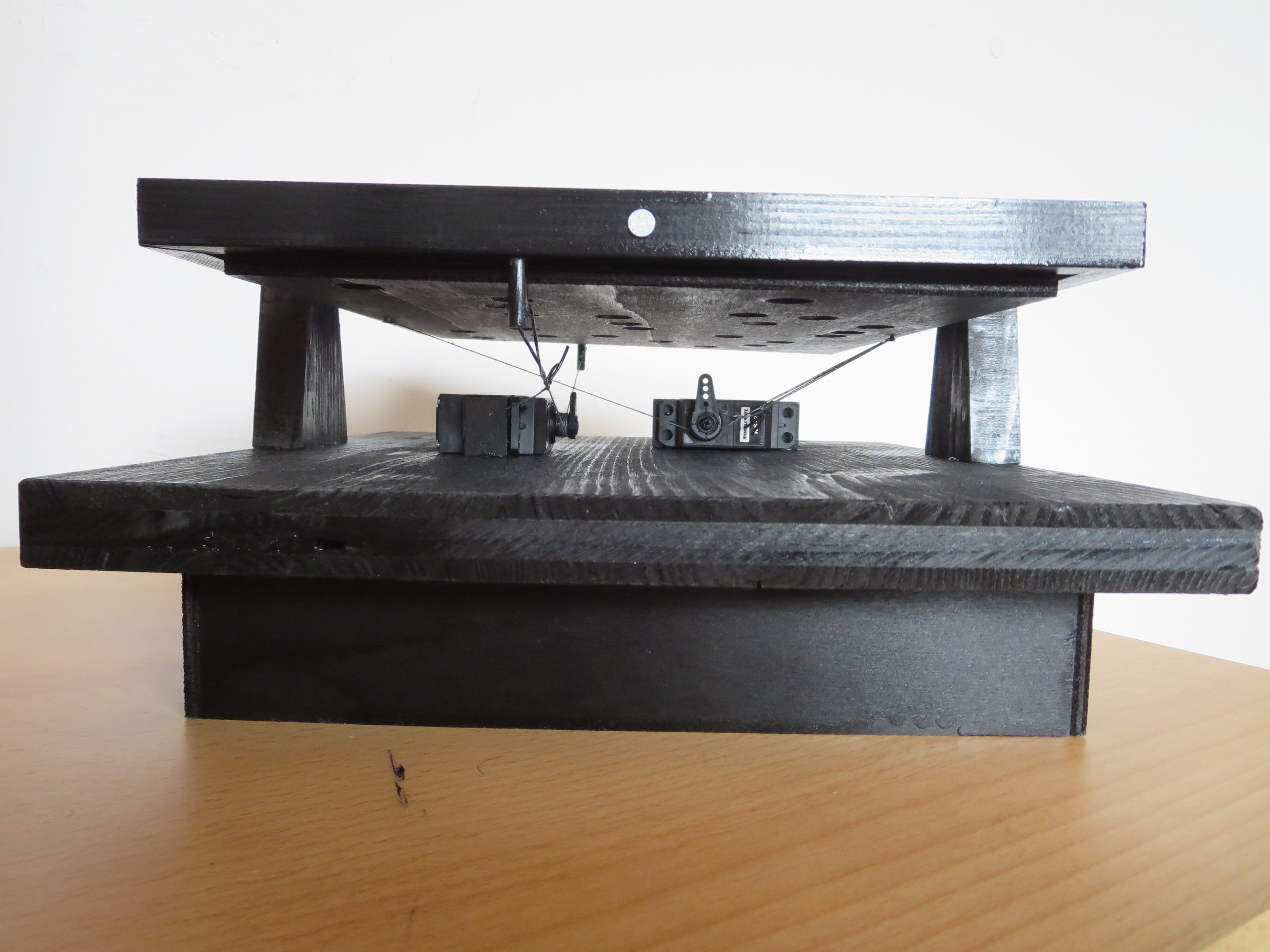
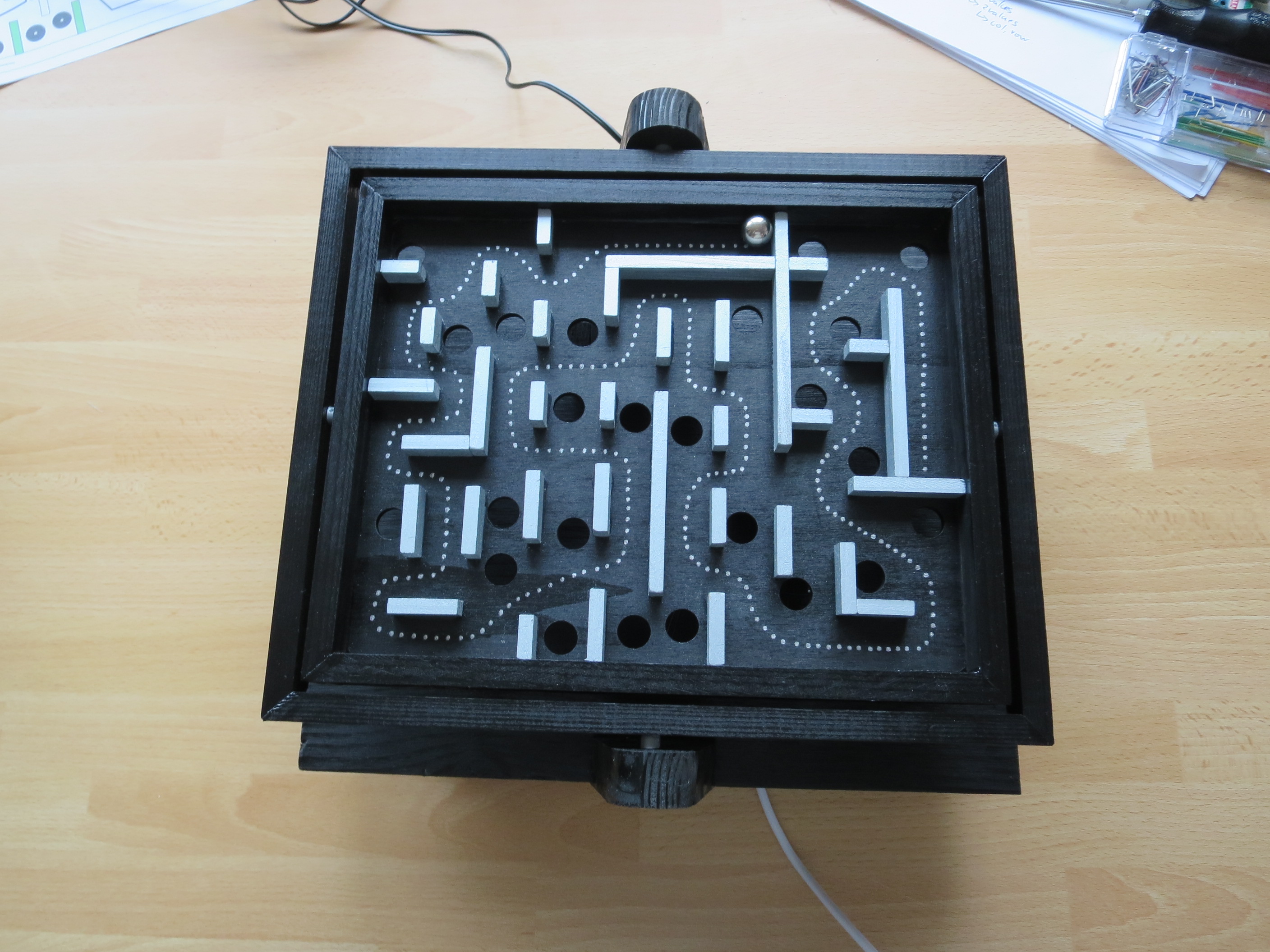
Sourcecode
 // Arduino 1.01

include <Wire.h>
include <ArduinoNunchuk.h>
include <Servo.h>
// NunChuck connection // + 3,3 V // - GND // P analog pin 4 // C analog pin 5

// Servo connection // orange data // red 5V // braun GND

// valX left 180 // valX right 0 // valY top 180 // valY bottom 0

Servo myservoX; // create servo object to control the X servo Servo myservoY; // create servo object to control the Y servo ArduinoNunchuk nunchuk = ArduinoNunchuk();

void setup() {

 nunchuk.init();
 myservoX.attach(9);   // attaches the servo on pin 9 to the servo object
 myservoY.attach(10);  // attaches the servo on pin 10 to the servo object
}

int valX, valY; boolean joy = 0;

void loop() {

 nunchuk.update();

 if (nunchuk.zButton == 1)
   joy = false;
 if (nunchuk.cButton == 1)
   joy = true;

 if (joy) {
   valX = map(nunchuk.accelX, 370, 730, 180, 0);     // scale it to use it with the servo (value between 0 and 180)
   valY = map(nunchuk.accelY, 370, 700, 0, 180);     // scale it to use it with the servo (value between 0 and 180)
 }
 else
 {
   valX = map(nunchuk.analogX, 0, 255, 180, 0);     // scale it to use it with the servo (value between 0 and 180)
   valY = map(nunchuk.analogY, 0, 255, 0, 180);     // scale it to use it with the servo (value between 0 and 180)
 }
 myservoX.write(valX);                // sets the servo position according to the scaled value
 myservoY.write(valY);                // sets the servo position according to the scaled value
 delay(10);                           // waits for the servo to get there
}
Video
